Choosing your tools: Claude, Claude Code, Make, n8n, scripts
Which tool for which job, from a no-code flow to an agent that writes code.
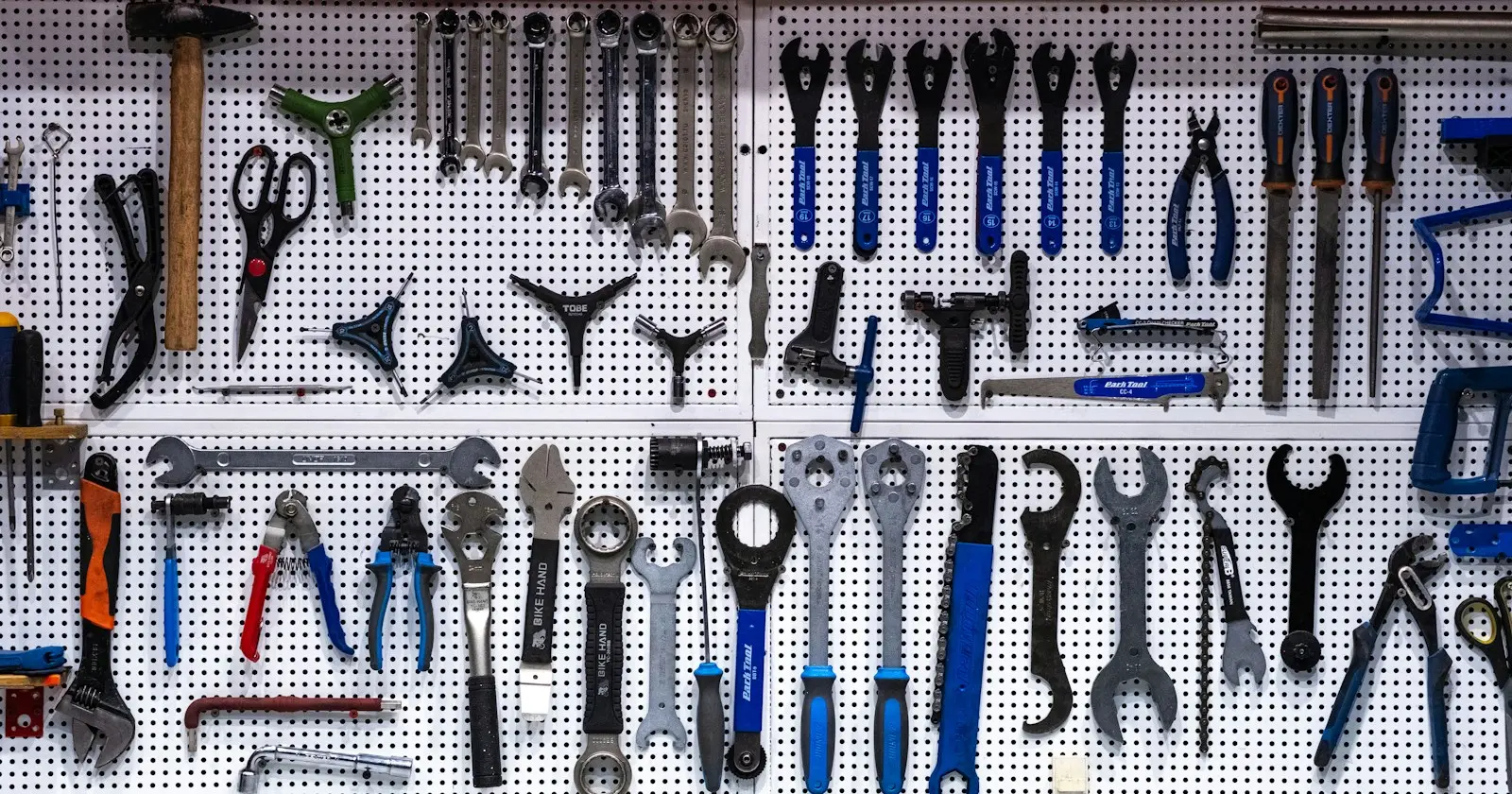
Pick the tool by the kind of work in each step. A step with fixed rules belongs in a script or a workflow tool such as Make or n8n. A step that needs judgement on messy text needs a model. A task that chains many steps, reads files and decides what to do next needs an agent, and for that I use Claude with tools plugged in, or Claude Code when the agent has to work on files and code. Most useful systems mix all three, and the mistake I see most often is a model doing work a ten-line script would do better.
If the difference between an agent, an automation and a chatbot is still fuzzy, read chapter 2 first. This chapter assumes it and goes straight to the choice.
Sort each step by the work it does
Take the process you want to automate and cut it into steps. Then put each step in one of four boxes.
| Kind of step | Example | Right tool | Why |
|---|---|---|---|
| Move data on a trigger | New form sign-up goes to the CRM | Make or n8n | Same input, same output, visible run history |
| Compute or clean | Deduplicate a list, count rows, compare totals | A script | Deterministic, testable, free to rerun |
| Judge one item | Is this company a fit, is this reply positive | A model call | Reads unstructured text, returns a label with evidence |
| Chain steps and decide | Research an account, pick tools, write a draft, check it | An agent | Plans, calls tools, adapts to what it finds |
The test for the last box: if you can draw the flowchart in advance, with every branch, you don’t need an agent. You need a workflow, possibly with one model call inside it. An agent earns its cost when the next step depends on what the previous one returned and you can’t list every case.
What each tool is good at
Make and n8n are workflow automation tools. You draw a flow of triggers and actions between your apps, each run is logged, and anyone on the team can read what happens. Both can call a model as one step of a flow, which covers a lot of “AI automation” needs: classify an inbound lead, summarise a call transcript, draft a reply for review. n8n can also be self-hosted, which matters if your data must stay on your own servers. Their limit shows when the logic grows: a flow with forty branches becomes harder to read than code.
Claude, used in the chat app with connectors, is the fastest way to test whether a task can be done at all. You plug in your tools through MCP, an open protocol that lets an AI client call tools exposed by a server, then you ask in plain language and watch which tools it calls. It suits exploratory work and small batches: a few dozen accounts, one analysis, one draft. It’s a poor fit for anything that must run every week without you.
Claude Code is Anthropic’s coding agent. It runs in a terminal or the desktop app, reads and writes files in a project, runs scripts and calls tools. That’s why I use it for agents that do real, repeated work: their instructions, rules, reference files and scripts live in a folder you can version, review and back up. The whole agent team that runs Derrick’s marketing is built this way, and so is the outbound plugin I published. The official overview describes what it does.
Scripts (Python, Node, SQL, a spreadsheet formula) do everything that has one right answer. In my setup, counts are always computed by a script and never written by hand into a file, and a script checks that a product feature exists before any content mentions it. A model asked “how many features do we have” will give you a plausible number. A script gives you the right one.

Match the model to the job
Inside an agent system, one choice is easy to get wrong: which model runs which step. My rule is simple. The strongest model goes where judgement happens: the lead agent that plans, the experts that write or give verdicts. A small, fast model handles mechanical sub-tasks such as find and replace, searching files or reformatting. Paying for judgement on a grep is waste, and saving money on a verdict is how bad pages ship.
One constraint shapes the architecture in Claude Code: a sub-agent can’t start another sub-agent. So delegation is organised from the top. The lead agent splits the work and dispatches every helper itself, rather than expecting a chain of agents to delegate down on their own.
A real mix: one capability, three surfaces
I co-founded Derrick, so read this example with that in mind. Derrick is a B2B data enrichment and prospecting tool, and the same data functions are exposed through a web app, a Google Sheets sidebar, an MCP server and a REST API. The choice of surface follows exactly the logic above.
| Need | Surface | Tool on your side |
|---|---|---|
| Work a list of thousands of rows, filter and inspect | Web app or Sheets | None, or a script on the export |
| Explore, test a method, enrich a dozen accounts | MCP server | Claude or another MCP client |
| Enrich every new sign-up automatically | REST API | Make, n8n or your own back end |
The method holds with any data provider: the conversation is for exploring, the API inside a workflow is for repeating, and the list view is for checking. Building a TAM with agents shows the same split on a full prospecting list.
A checklist before you choose
Answer these for each step. The answers usually pick the tool for you.
| Question | If yes | If no |
|---|---|---|
| Can I write the rule in one sentence? | Script or workflow | Model call |
| Does the next action depend on what was found? | Agent | Workflow |
| Must it run on a schedule without me? | Workflow or a scheduled agent routine | Chat is fine |
| Will someone other than me maintain it? | Pick what they can read (often Make or n8n) | Code is fine |
| Does an error cost money or reputation? | Add a check step before output | Sample after the fact |
| Is the output a fact (email, number, ID)? | Fetch it from a tool, never from the model | Model can draft it |
The last line is the one people skip. A model will happily invent a company ID or a phone number that looks right. Facts come from tools and data sources. The model decides, classifies and writes.
Where to start
Don’t start with the most capable tool. Start with the cheapest one that does the job, and move up only when you hit its limit. For most teams that means:
- Run the task in Claude with your tools connected, by hand, on ten real cases. You learn whether the task is feasible and what the instructions need to say.
- Put the deterministic parts in a script or a Make or n8n flow.
- Move to Claude Code when the task needs files, several steps, its own rules and a schedule. That’s where agents become something you can review and maintain.
Running an agent on a schedule has its own rules, covered in the routines chapter. Your next step: list the steps of one process you want to automate, fill the table above for each one, and count how many really need a model.